Project Overview
This system automatically segments video content by detecting visual boundaries, transcribing audio, and classifying segments using AI. It supports configurable segment types and detection methods, making it adaptable to any video domain — from broadcasts to lectures to live events.
Visual Boundary Detection
Multiple detection methods: black frame analysis, color profile matching, or custom approaches — configurable per video source.
AI Classification
Claude classifies segments by analyzing transcripts with configurable segment type vocabularies.
Interactive Results
React web application for viewing, editing, and validating segmentation results with timeline visualization and video playback.
Visual Data Algorithms
Black-frames
Step 1: Black Frame Detection (Worker)
Each 60-second chunk is analyzed for black frame runs using color histogram comparison:
1. Compute 32-bin color histogram for each frame (RGB channels)
2. Calculate chi-squared distance from a pure-black reference histogram
3. If distance < 0.3 → confirmed black frame
4. If distance < 8.0 → suspicious (may be very dark scene)
5. Refine coarse detections to frame-accurate start/end timestamps
For normal chunks, a coarse 1fps scan finds candidates, then a frame-by-frame refinement pass in ±2s windows determines precise boundaries. Short probe windows (≤15s) use frame-by-frame scanning directly.
Step 2: Event Extraction (Merger)
Black frame runs from all chunks are merged and converted into discrete "events":
1. Merge adjacent runs across chunk boundaries (gap < 0.1s)
2. Filter runs shorter than 0.1s (noise)
3. Extract events: runs separated by ≥15 seconds become distinct events
4. Remove events in first 5 minutes and last 60 seconds (margins)
Step 3: Segment Pairing (Merger)
Events are paired into segments using duration heuristics:
1. For each unpaired event, find the best partner where:
   - Duration is between 90s and 300s (1.5 to 5 minutes)
   - Duration is closest to a standard multiple of 30s
2. Remove "interior" events (black frames within paired segments)
3. Re-pair after cleanup
4. Probe for missing partners at standard offsets (30s, 60s, ..., 300s)
5. Short segments (<90s) → attempt to extend from endpoints
6. Final cleanup: merge overlaps, remove contained segments
Key Design Decisions
- Configurable margin: Start/end margins are skippable (default: first 300s skipped for pre-content)
- Histogram-based detection: More robust than simple pixel averaging — handles noise, compression artifacts, and near-black scenes
- Standard duration matching: Segments are paired using expected duration multiples, providing a strong pairing heuristic
- Active probing: When events can't be paired from the initial scan, targeted Lambda invocations search for missing partners at expected offsets
- 60-second chunks: Balances Lambda execution time against parallelism and Step Functions event limits
Transition Detection (Profile-Based)
An alternative visual detection method for videos that don't have reliable black frames between segments. Instead of looking for black frames, this approach detects the absence of a persistent visual element (such as a ticker, logo, or overlay) by comparing frame regions against a precomputed color profile.
Color Profile Matching
A precomputed HSV color histogram captures what a target region looks like during primary content. Each frame is compared against this profile using chi-squared distance.
Region Cropping
Only the target region of each frame is analyzed (configurable crop boundaries), making detection fast and focused on the most informative pixels.
Single-Pass Scan
Processes the entire video in one pass at configurable frame rate (0.5–1 fps), grouping consecutive dissimilar frames into segments.
Automatic Fallback
If profile-based detection finds zero segments (profile mismatch, different era), the system automatically falls back to the black-frame method.
How It Works
1. Crop each frame to the target region (e.g., bottom 25% of frame)
2. Convert to HSV and compute a 36×32×32 bin histogram
3. L1-normalize the histogram
4. Compare against the precomputed color profile using chi-squared distance
5. If distance > threshold → frame is "dissimilar" (non-content segment)
6. Group consecutive dissimilar frames into segments
7. Filter: remove short bursts (<10s), merge nearby segments (<60s gap)
8. Skip configurable margin at start and end
Per-Source Configuration
Each video source has its own detection profile stored in S3, configured via a JSON file:
{
  "SOURCE_A": {
    "crop_top_fraction": 0.75,     // Top of target region (75% down)
    "crop_bottom_fraction": 1.0,   // Bottom of target region (100%)
    "crop_left_fraction": 0.0,     // Full width
    "crop_right_fraction": 1.0,
    "chi_square_threshold": 0.35,  // Sensitivity
    "scan_fps": 0.5,               // Frames per second to sample
    "profile_key": "config/profiles/SOURCE_A_profile.npy"
  }
}
Threshold tuning: lower = fewer detections (less sensitive), higher = more detections (more false positives). The profile must match the era and visual style of the video content.
Building a Color Profile
Profiles are built from ground-truth-labeled videos. The profile builder:
1. Load ground truth CSV with labeled segments (content vs non-content)
2. For each "content" segment, extract frames from the target region
3. Compute HSV histograms for all content frames
4. Average all histograms into a single representative profile
5. Save as .npy file → upload to S3
The resulting profile represents "what the target region looks like during primary content." Frames that deviate significantly from this profile are classified as non-content segments.
Detection Routing
The video dispatcher automatically selects the detection method based on the video source:
Video uploaded → Dispatcher extracts source ID from filename
  → If source has a detection profile configured → Profile-Based Detection
    → If 0 segments found → Fallback to Black-Frame Detection
  → Otherwise → Black-Frame Detection (default)
Transcription & AI Segmentation
This part of the automated pipeline uses the visual detection output as input to an AI-powered transcript segmentation system. This identifies individual content segments within the non-break portions of each video.
How It Works
Video Transcription
AWS Transcribe Lambda
Uploads trigger automatic transcription via AWS Transcribe, producing word-level timestamps for the entire video. Output: JSON with every word and its precise start/end time.
Commercial Filtering
Python (filter_commercials.py)
Uses the _segments.json output from the Visual Segment Detector to remove all words that fall within detected break segments. Inserts [ BREAK ] markers as hard boundaries.
AI Segmentation
Amazon Bedrock (Claude Sonnet)
The filtered transcript is sent to Claude via Pydantic AI. The model identifies content segment boundaries by detecting topic changes, speaker handoffs, and transitions. Returns structured segment data with verbatim first/last sentences.
Timestamp Matching
Python (timestamp_matcher.py)
Maps the AI-identified segment boundaries (first/last sentences) back to precise video timestamps using the original word-level transcription data. Produces frame-accurate start/end times for each content segment. Output: ai_results/{video}_segments.json
Sub-Segment Detection
Amazon Bedrock (Claude) + Python
Loads visual segments and AI segments, merges them into a unified timeline, and uses Claude to detect transition speech at content→break boundaries. Output: subsegment_results/{video}_with_subsegments.json
Evaluation
Python (evaluation_metrics.py)
Compares predicted segments against human-annotated ground truth using frame accuracy, segment F1 at multiple IoU thresholds, boundary F1 at multiple tolerances, and normalized edit distance.
Results Merger
Python + Boto3
Uses the sub-segment JSON as the authoritative timeline. Enriches content segments with titles from AI segmentation and full transcripts from the transcription bucket. Output: result/{video}.json
Connection Between Detectors
Visual Segment Detector
Outputs: segment_results/{video}_segments.json
Visual analysis → break segment timestamps
AI Segmentation
Outputs: ai_results/{video}_segments.json
Claude transcript analysis → content segment boundaries
AI Segmentation Approach
The system uses Claude (via Amazon Bedrock) with a carefully crafted archival prompt that instructs the model to:
- Respect hard boundaries:
[ BREAK ]markers are absolute — no segment spans across them - Identify natural transitions: Speaker handoffs, topic changes, and shifts in focus
- Extract verbatim sentences: First and last sentences of each segment are extracted word-for-word for precise timestamp matching
- Maintain continuity: Panel discussions that shift topics stay as one segment; same-story coverage across speakers stays unified
- Complete coverage: Every part of the transcript must be assigned to a segment with no gaps
Frontend Application
The web application is built with React + TypeScript + Vite, deployed on AWS Amplify Gen 2.
Technology Stack
Key Pages
📹 Video Select
Browse and search all available videos from S3 storage. Preview video before selecting for analysis.
🎬 Results Viewer
Interactive visualization of segmentation results with a color-coded timeline. Click segments to jump to that point in the video. Supports editing segment boundaries, adding/removing segments, and merging adjacent segments.
✏️ Edit Mode
Users can enter edit mode to correct segmentation errors: drag timeline markers, inline-edit timestamps, change segment type labels, merge segments, or add new ones. Edits save back to S3 as JSON.
Segment Types (Configurable)
Segment types, colors, and labels are fully configurable in src/utils/segment_types.ts to match your domain.
Cost & Performance
Per 1-hour video:
├── Video processing (detection of visual clues to content): free-tier Lambda or ~$0.035/10 videos
├── Transcription (AWS Transcribe): ~$0.72, 3-5 min
├── AI Segmentation (Bedrock Claude): ~$0.60-$0.80, 2-4 min
└── Evaluation: ~$0.01, 30 sec
Total: ~$1.50, 6-10 minutes end-to-end
Backend Architecture
The processing pipeline runs entirely on AWS serverless infrastructure, deployed with SAM (Serverless Application Model).
Batch Orchestrator
Shell Script + AWS CLI
Lists all .mp4 videos in S3, groups them into batches of 20 (to stay under Step Functions' 25K event limit), and invokes the Launcher Lambda for each batch.
Launcher Lambda
Python + Boto3
Scans the S3 bucket for video files, builds chunk definitions (each video divided into 60-second chunks starting at the 5-minute mark), and starts a Step Functions execution.
Step Functions State Machine
AWS Step Functions (Nested Map)
Orchestrates parallel processing: outer Map iterates videos (20 concurrent), inner Map iterates chunks per video (40 concurrent workers). Includes retry logic with exponential backoff.
Worker Lambda
Python + OpenCV (Docker, ARM64)
Reads a 60-second chunk of video via presigned URL. Performs coarse 1fps black frame scan, then refines detections to frame-accurate boundaries. Returns timestamped black frame runs.
Merger Lambda
Python + Boto3
Collects all chunk results, merges adjacent runs, extracts discrete events, pairs them into segments, probes for missing partners, and writes final results to S3 and DynamoDB.
Infrastructure Resources
S3 Bucket
Stores source videos (video/) and processing results (result/).
DynamoDB Tables
Three tables: chunk results, per-video segment results (video_name + timestamp), and evaluation summaries.
Lambda Functions
Containerized (Docker) on ARM64. Worker: 2GB RAM, 5 min timeout. Merger: 512MB, 15 min timeout. Launcher: 256MB, 1 min.
Step Functions
Standard workflow with nested Map states. Processes up to 800 chunks concurrently (20 videos × 40 chunks).
Serverless Deployment
The pipeline deploys as event-driven Lambda functions connected by S3 triggers:
Upload video to S3
  → [S3 trigger] → Transcription Lambda (AWS Transcribe)
  → [S3 trigger] → Visual Segment Detector
    → [Readiness Checker] → AI Segmentation (Bedrock Claude)
      → ai_results/{video}_segments.json
        → [S3 trigger] → Sub-Segment Detector
          → subsegment_results/{video}_with_subsegments.json
            → [S3 trigger] → Results Merger
              → result/{video}.json → Web UI
End-to-End Data Flow
1. Video Upload
Video files (.mp4) are uploaded to S3
2. Parallel Processing of Visual Data
Step Functions fans out: up to 800 concurrent Worker invocations scanning for black frames in 60s chunks or searches for distinctive visual features in selected region of videos.
Merger Lambda collects results, pairs black frame events into segments, probes for missing boundaries
3. Store Segment Results
Detected visually distinct segments written to S3 (segment_results/{video}_segments.json) and DynamoDB.
4. Transcription & AI Segmentation
Videos are transcribed (AWS Transcribe), visually distinct segments can be filtered out, and Claude identifies individual content segment boundaries. Output: ai_results/{video}_segments.json
5. Sub-Segment Detection
Sub-Segment Detector loads visual and AI segments, merges into a unified timeline, and detects transition speech at content→break boundaries. Output: subsegment_results/{video}_with_subsegments.json
6. Visualization
Staff access the web app, select a video, view detected segments on an interactive timeline, and correct any errors
7. Validation
Human-corrected annotations saved back to S3 to be sent to database to augment discoverability.
Demo
Watch the pipeline in action — this video demonstrates the full segmentation workflow from upload through final labeled results of our tool as used by the Vanderbilt Television News Archive.
About
Vanderbilt Cloud Innovation Lab
The Vanderbilt Cloud Innovation Lab, housed at the Jean and Alexander Heard Libraries and powered by Amazon Web Services, provides immersive experiences for Vanderbilt University students who are interested in learning how to use artificial intelligence and cloud technologies to develop advancements in digital scholarship. Under the mentorship of AWS and library staff experts, students not only gain important career skills by collaborating on open-source technology but also have meaningful opportunities to enact lasting, positive change. Their innovative solutions to today's real-life challenges ensure that the world's cultural heritage is preserved and accessible for the benefit of future generations.
Students are involved in every stage of a Vanderbilt Cloud Innovation Lab project and learn a variety of career competencies in the process: experiential problem solving, critical thinking, project management, agile development, technical skills, and time management.
Meet the Team

Oybek
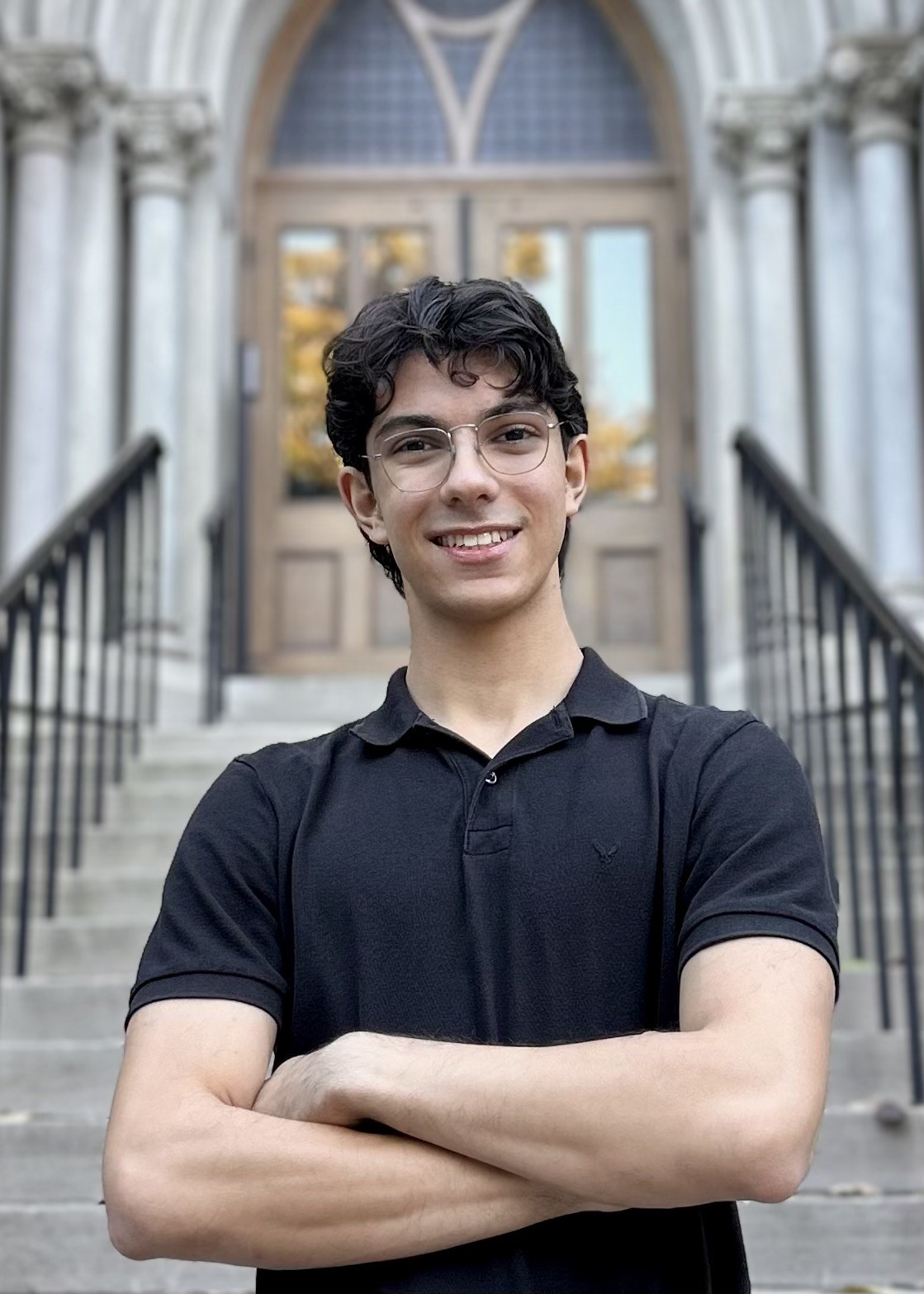
Sophomore at Vanderbilt majoring in Computer Science, from Tashkent, Uzbekistan. Background in front-end development with React Native and cybersecurity.
Brian
Passionate about creative solutions to technical problems. Experience with Vanderbilt Library Special Collections and University Archives. Active with the Vanderbilt Robotics team.

Wasi Hussain
Computer Science major focused on the intersection of cloud computing and machine learning. Recent work on improving energy efficiency of large language models.
Rithika Thambireddy
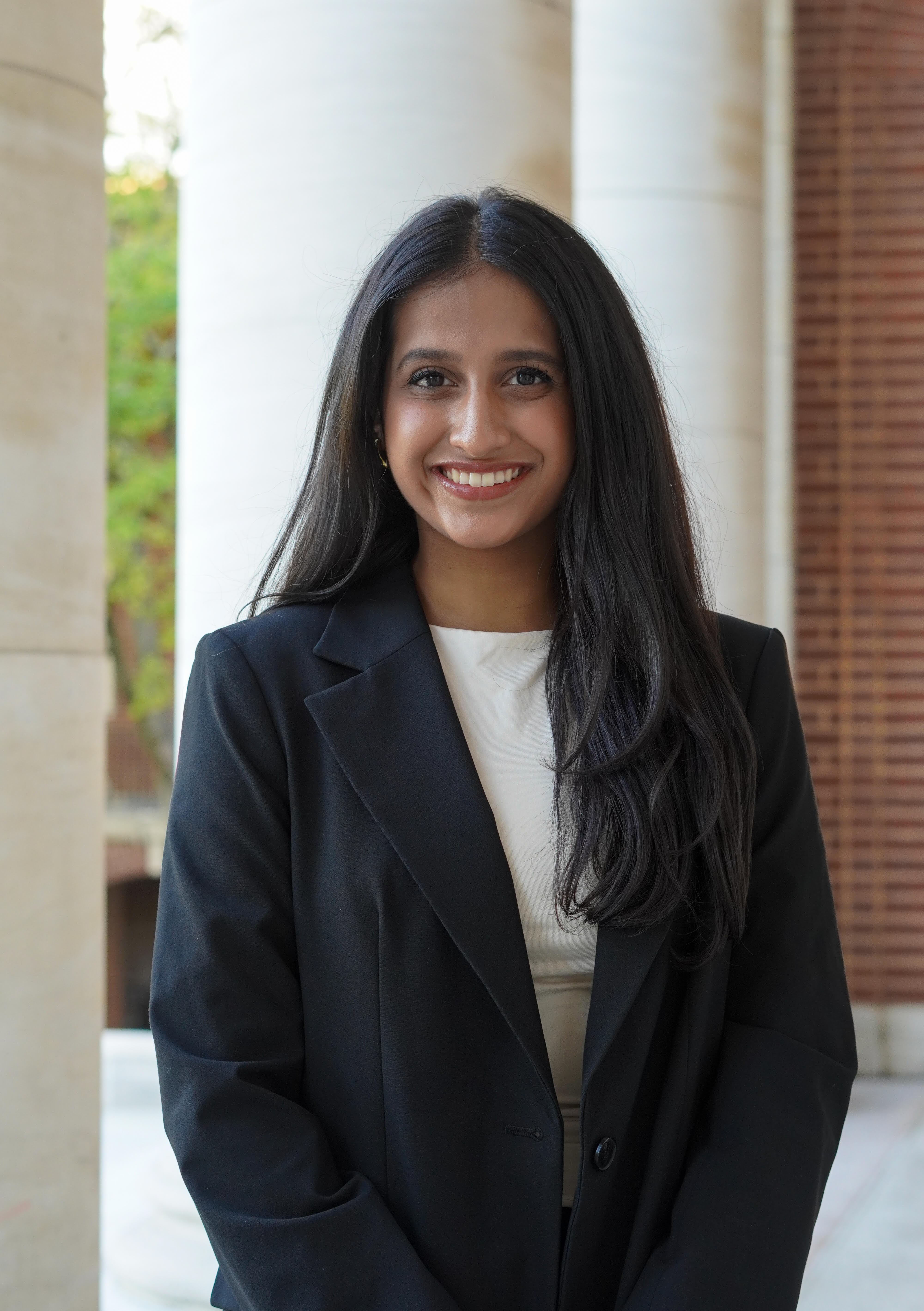
Computer Science and Mathematics student. Experience spanning AI/ML, data engineering, and full-stack development. Driven to build inclusive and accessible tools.

Abbie Chen
Senior studying Computer Science at Vanderbilt University.